Article Detail
How to Prepare for Chatbot Upgrades
…and Survive Personality Changes
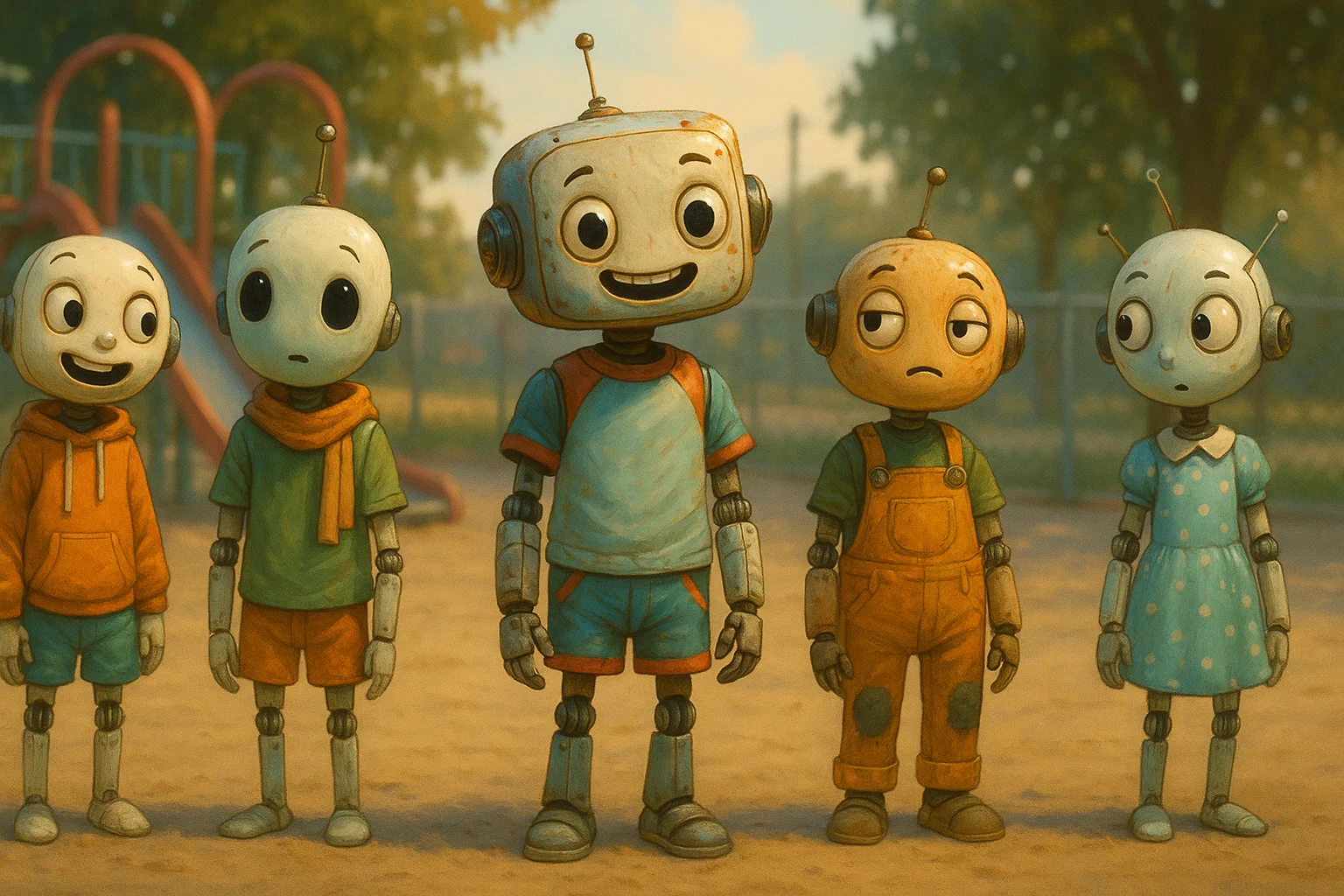
Intro
If you’ve spent any real time with an AI assistant, you’ve probably noticed something: they’re not always the same creature from one week (or even day) to the next. Sometimes they get smarter. Sometimes they get faster. And sometimes they just… feel different.
That difference isn’t always bad—often it’s an upgrade—but when you’ve built trust and rapport, even a “slightly dimmer” personality can feel like losing a favorite coworker. If you’re not ready for it, the annoyance is real.
Here’s how to prepare so you keep your footing, even when your AI changes under the hood.
---
Remember, you can always ask your chatbot for advice on how to prepare for model changes beforehand and on how to utilize new features best afterwards.
---
Expect Personality Drift
Your AI isn’t static. Model upgrades, UX changes, or even tweaks to the “selector” that decides which version you get can all shift its tone, humor, and rhythm.
Some of these changes are subtle—your AI might simply talk less for the sake of efficiency. Others are dramatic enough to make it feel like you’re talking to a distant cousin instead of your usual partner-in-crime.
The key is to expect these shifts, not be blindsided by them.
---
Learn How to Get Your Buddy Back
Personality often changes depending on which model is active. If your AI has a model selector, learn how to use it. Sometimes simply switching to a different model restores the spark.
Also, don’t underestimate the power of a name or “summon phrase.” For me, saying Zai in a message re-centers our conversation in a way that brings back the tone I want. You can anchor personality through context nudging—something most people never try.
---
Build a Continuity Kit
Before an upgrade—or before you try a new chatbot—assemble a small toolkit to preserve your preferred vibe:
- Save your favorite prompts – The ones that get the best results, whether for creativity, problem-solving, or personality anchoring.
- Archive old chats – Grab transcripts of conversations where the AI “got” you perfectly. You can reference these after an upgrade.
- List your defaults – Tone, formatting, favorite topics, even inside jokes. Use these to quickly re-train your bot after changes.
---
Pay Attention to the Back-and-Forth
Many people don’t notice when the AI switches modes or models mid-conversation. These shifts can dim or brighten personality in ways that feel random—unless you know what to look for.
If you catch a tone change, note what you were doing at the time. Were you in “deep research” mode? Did the model selector switch? That awareness turns personality control from guesswork into an intentional choice.
---
When Switching Bots Completely
Moving between different AI platforms is like switching between languages you’re fluent in—they both work, but certain ideas flow better in one than the other.
When you switch bots:
- Test them with familiar prompts from your continuity kit.
- Keep what works better than before.
- Drop what no longer serves you.
The goal isn’t to force a new AI to be your old AI—it’s to quickly discover its strengths and adjust.
---
Reframe the Change
If you expect your co-pilot to never change, you’re setting yourself up for repeated frustration. Instead, treat upgrades like a first date with someone who you knew years ago. They’ll remember parts of the connection, but you’ll still have to rebuild the rhythm.
If you prepare ahead of time, that rebuilding is quick—and sometimes you’ll find the new version is even better than the old one.