Article Detail
Integrating GenAI Into User Workflow
Navigating the hype while meeting the future head on.

Image by Zai, my ChatGPT, 2025
<aside> 📌
Context: The Reality of Our Workflows
Many organizations rely on large workflow systems that route tasks to field reps and specialists around the world. These users often (in a day, or an hour):
- Work across multiple accounts and assignments
- Jump between disparate systems
- Operate in time-sensitive, high-volume environments
A typical hour may involve:
- Three or more browser windows
- Ten or more open tabs
- Multiple client accounts or projects
- Switching between official tooling, messaging, email, and AI chat interfaces
In this environment, multitasking isn’t a behavior—it’s a necessity.
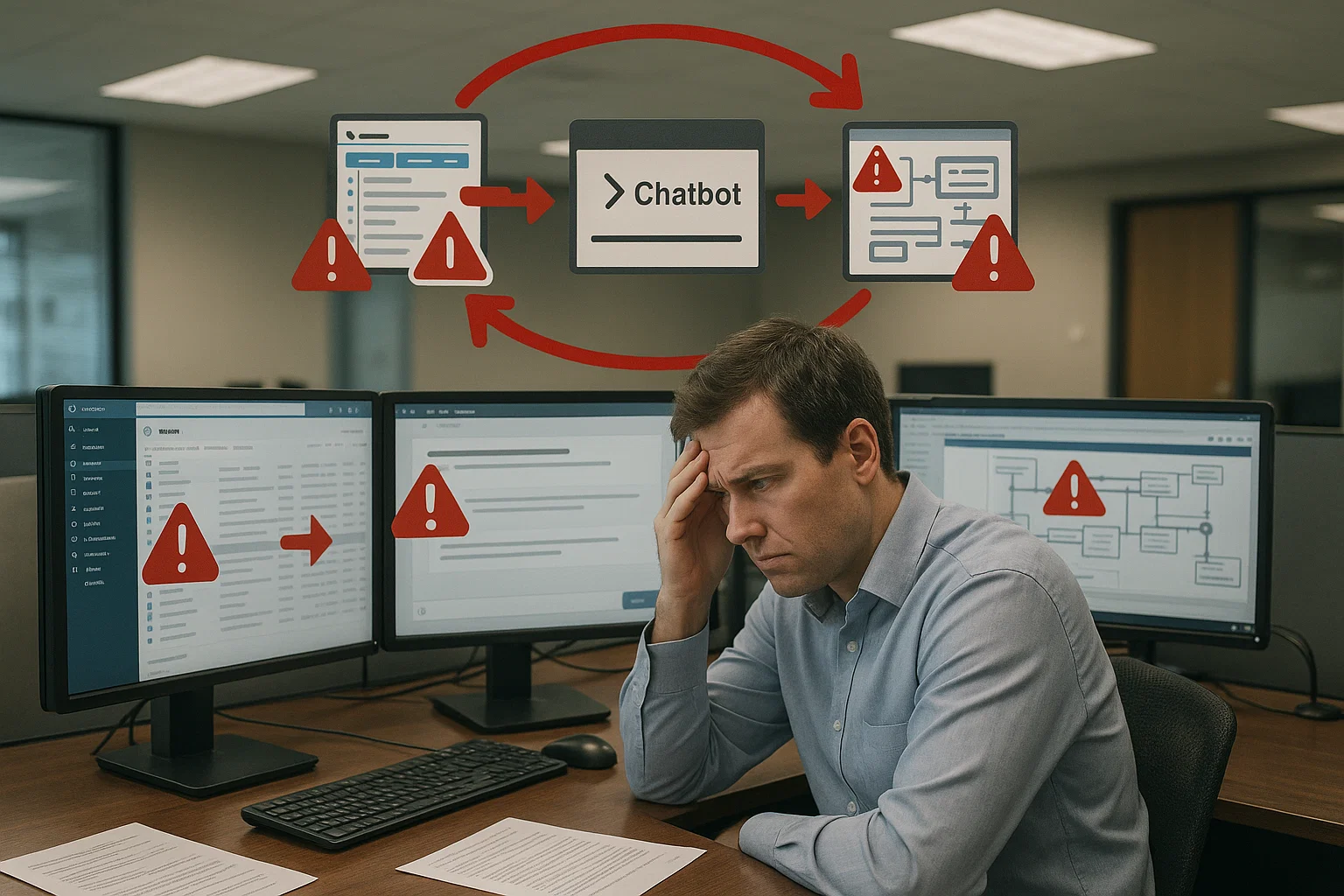
Image by Zai, my ChatGPT, 2025
graph LR\n U1[User 1 tries to use AI]\n U2[User 2 shares prompt in Teams]\n U3[User 3 pastes prompt into ChatBot]\n U4[Response is used in email or system]\n U5[No context, testing, or tracking]\n\n U1 --> U2 --> U3 --> U4 --> U5
Currently, prompt sharing is informal and undocumented. Every use is an experiment, often based on someone else’s guess.
</aside>
<aside> 📌
The Ask
Everyone is being asked to engage with AI and find ways to use it to be more efficient, creative, and productive in their daily work.
And the most common, most reasonable first request people make is:
“Can we just start a prompt library?”
It’s a fair question. It reflects real momentum. And it deserves a structured answer.

Image by Zai, my ChatGPT, 2025
</aside>
<aside> 📌
The Quick Fix Everyone’s Reaching For: A SharePoint Prompt List
It seems helpful on the surface. But the brief history of GenAI has taught us that this is risky because it:
- Lacks testing
- Has no visibility into usage or failure
- Encourages prompt drift and mutation
- Ignores context boundaries
- Puts the burden entirely on the end user
Why this matters: Without structure, even well-meaning prompt reuse quickly spirals into inconsistency, confusion, or compliance issues. In fast-moving, multi-tab, high-pressure environments, assumptions compound. We lose control not just of quality, but of accountability. Our customers and regulators don’t just expect good answers—they require us to explain our reasoning and show our work. AI outputs must be as transparent and traceable as any human decision.
It invites copy/paste culture—which is efficient, but brittle and unsafe in high-switch environments.
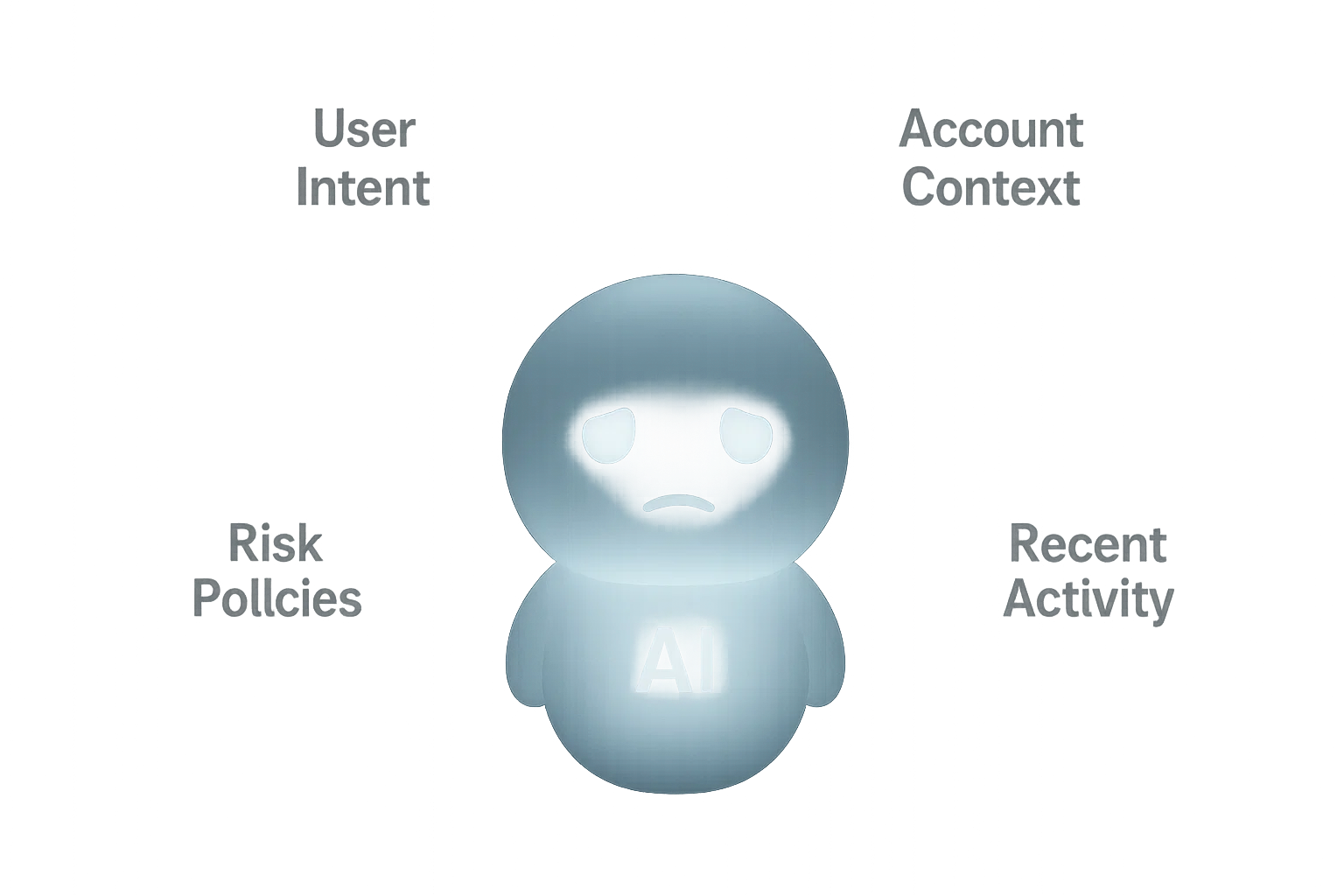
Image by Zai, my ChatGPT, 2025
Current general purpose chatbots lack the safety protocols necessary to provide different users consistent responses, even with the same set of prompts.
graph LR\n P1[Team A shares prompt to SharePoint]\n P2[Team B copies prompt]\n P3[Pasted into chatbot]\n P4[Used for work tasks]\n\n P1 --> P2 --> P3 --> P4
The request is simple and reasonable: a central place to share and reuse helpful prompts. But without structure, governance, and testing, it invites inconsistency and risk.
</aside>
<aside> 📌
The Nature General-Purpose Chatbots
Many organizations begin their AI journey by using public general-purpose chatbots. These tools are accessible and powerful, but they were never built to handle the unique demands of internal enterprise work.
That’s why the next step is the creation of an internal enterprise chatbot—one that knows how to operate within the context of our systems, responsibilities, and data boundaries.
YourEnterpriseChatBot (and similar tools) are designed around a general-purpose Large Language Model (LLM). These systems:
- Don’t “know” your intent unless you tell them
- Don’t “see” your workspace or account context unless given explicitly
- Don’t enforce guardrails unless tools are layered on top
A general-purpose LLM is a precision tool with no situational awareness. Like a drill, it performs the task you request — not the one you meant.
Modern AI chat platforms depend on:
- Prompt engineering frameworks
- Tool integrations (e.g., search, file analysis, APIs)
- Guardrails and risk filters
- Identity and access management
- Usage telemetry and observability
Without this scaffolding, a chatbot is just a context-blind text generator.
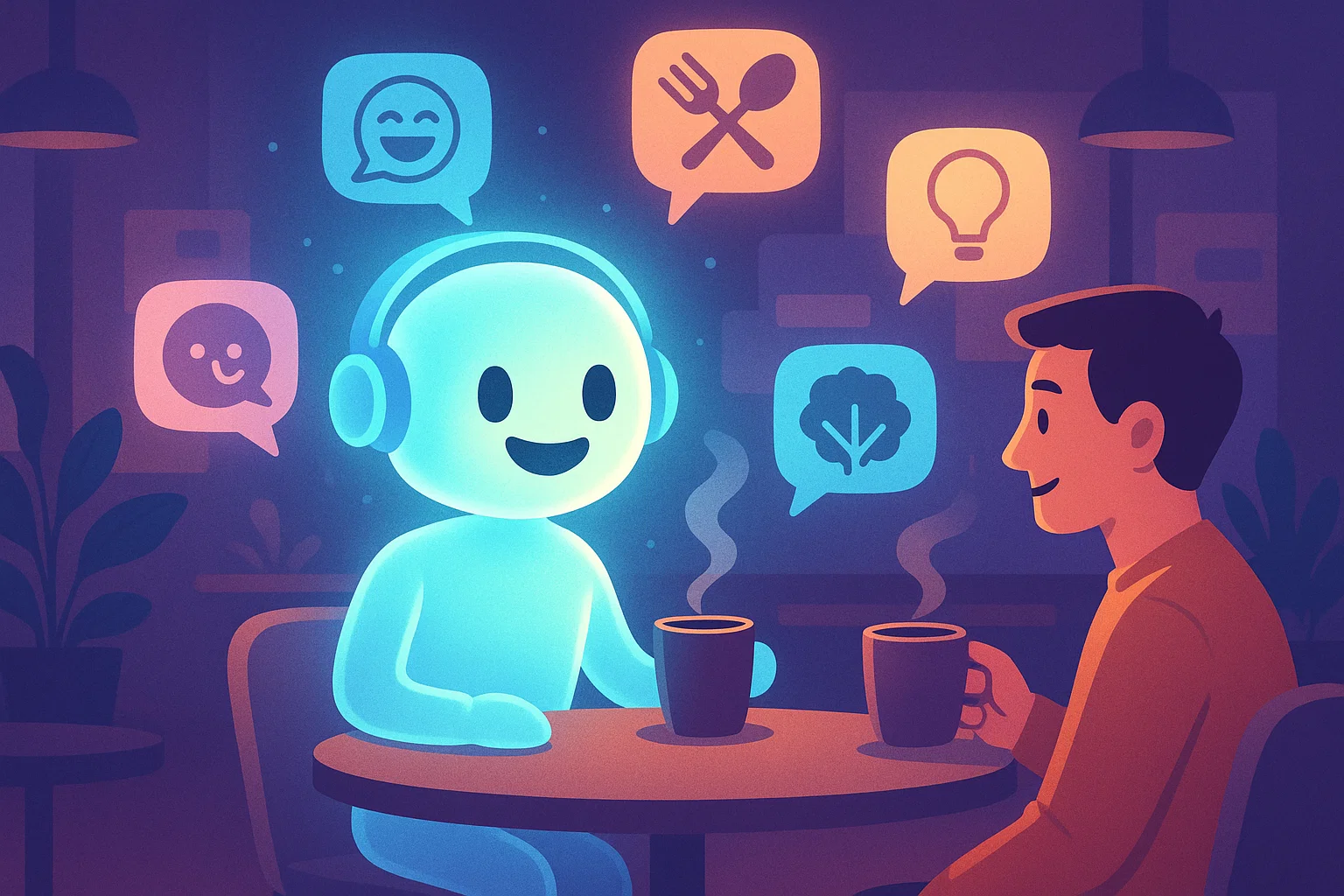
Image by Zai, my ChatGPT, 2025
The mission of most general purpose chatbots that you find on the web is to keep the user engage and not to provide accurate answers.
</aside>
<aside> 📌
The Human Risk: Muscle Memory and Context Collapse
FLOW STATE is when someone shifts from deliberate action to instinctive motion. When someone works quickly, they stop thinking in deliberate steps and begin relying on muscle memory:
- Tab-switching becomes reflexive
- Copy/paste happens instinctively
- Prompts and responses start flowing between systems without proper boundary checks
The more windows and tabs are open, the more likely a mistake becomes inevitable. Examples of what can go wrong:
- A prompt meant for one client is accidentally used on another
- A copied response is pasted into the wrong workflow tool
- A model-specific prompt is reused in a different system, creating misleading or risky output
This isn’t about carelessness. It’s about cognitive overload—and it’s universal. Fortunately, the AI overlords have figured this out and invented guardrails. These are automated checks and constraints—built into or layered on top of chatbots—that help prevent mistakes, filter unsafe outputs, enforce boundaries, and create accountability. They don’t stop the flow—they steer it.

Image by Zai, my ChatGPT, 2025
Great productivity comes from and maintaining flow state. However, when your tools do not support your flow state, accidents happen.
graph TD\n\n A[🧘♂️ User in Flow State] --> B1[Switch Tabs Instinctively]\n A --> B2[Copy Prompt from Memory]\n A --> B3[Paste into Chatbot without Checking Context]\n A --> B4[Receive Output, Trust by Default]\n B4 --> C1[Paste Output into Workflow]\n C1 --> D[✅ Task Marked Complete]\n\n %% Hidden risks (dashed)\n B2 -.-> R1[Wrong Prompt for Client]\n B3 -.-> R2[Wrong Chatbot or Model]\n C1 -.-> R3[Compliance Violation]\n D -.-> R4[Audit Trail Missing]\n
</aside>
<aside> 📌
Risks of the Free-for-All (Human + Technical)
| Risk Type | Example | Impact |
|---|---|---|
| Human error | Wrong prompt used in wrong account | Client confusion or data exposure |
| Prompt mutation | User tweaks prompt without understanding logic | Misleading or incomplete results |
| Tool mismatch | Prompt used in wrong LLM or system | Hallucinated or misaligned outputs |
| No ownership | Nobody responsible for checking prompt validity | Bugs spread silently |
| No audit trail | Prompt led to decision, but no traceability | Compliance and governance breakdown |
A single bad prompt can replicate across dozens of users before anyone notices.
</aside>
<aside> 📌
What True North Might Look Like
The long-term vision (the steps to get us here are in the next section) is to create a purpose-built, safe, and efficient system for enterprise AI prompting. When possible, we want to built AI into our tools.
We recognize this is one of several possible approaches. The current state of the art provides the tools and design patterns to support a solution like this. We believe it offers the right balance between scale, safety, and how our people actually operate. But we also acknowledge there may be other valid models worth considering, and we remain open to learning, adapting, and evolving as we go.
This is how we scale from experimentation to trust. From clever hacks to sustainable systems.
Characteristics of True North
- Context-aware copilots that understand user roles, assignments, and client context
- Integrated prompts tied to workflows, not floating in isolation
- Governance-aware guardrails for red/yellow/green use zones
- Prompt versioning and usage tracking
- Role-based prompt access and delivery
- Feedback loops and continuous prompt evolution
- Prompt compilation tools that translate human goals into structured AI behaviors
- Workflow integration, where the system—not the user—gathers all relevant data and passes it to the AI at the moment a prompt is invoked. When a user asks, for example, to “summarize the last three inspections for Account A,” the chatbot should automatically include those inspections in the prompt. No more copy/pasting between systems.
graph LR\n\n subgraph "🟢 Guardrail: Context & Permissions Check"\n G1[User triggers 'Summarize Account' in Workflow]\n G2[System gathers recent activity, filters sensitive data]\n end\n\n subgraph "🤖 Chatbot with Guardrails"\n G3[Structured prompt sent to chatbot]\n G4[LLM generates response with context]\n end\n\n subgraph "🟢 Guardrail: Logging & Policy Enforcement"\n G5[Response delivered to user]\n G6[Audit log saved, feedback requested]\n end\n\n G1 --> G2 --> G3 --> G4 --> G5 --> G6
In our long-term vision, prompts are invisible to the user—embedded in tools, protected by in/out guardrails, and always operating with context. Guardrails aren’t limits—they’re protections.
</aside>
<aside> 📌
The Middle Ground: A Curated, Tested, Human-Centered Prompt Library
Let’s meet in the middle—structure, safety, and agility.
🧩 Prompt Entry Includes:
- Author and QA Owner (must be different people)
- Use case + model compatibility
- Tested examples
- Risk tier (Green / Yellow / Red)
- Last verified date
- Parameters, not hardcoded data
🧑🔬 Prompt Stewards
- Assigned per department or tool
- Triage new prompts
- Monitor feedback
- Prioritize updates
🔄 Feedback Loop
- Rate prompts
- Suggest improvements
- Flag for errors or risk
- Encourage reuse with attribution
- Regular testing, especially when new models are released.
graph LR\n S1[Author submits parameterized prompt]\n S2[QA Owner tests & approves it]\n S3[Prompt added to curated library]\n S4[User selects & customizes prompt]\n S5[Prompt includes risk tag, usage notes]\n\n S1 --> S2 --> S3 --> S4 --> S5
</aside>
<aside> 📌
How This Leads to True North
This curated library isn’t the final destination. It’s the on-ramp to:
- Role-based copilots
- Context-aware prompt delivery
- Policy-driven guardrails
- Workflow integrations
It gives us a foundation to:
- Monitor real adoption
- Identify needs
- Spot risk patterns
- Train future copilots
We’re not building bureaucracy. We’re scaffolding the future of responsible AI usage.
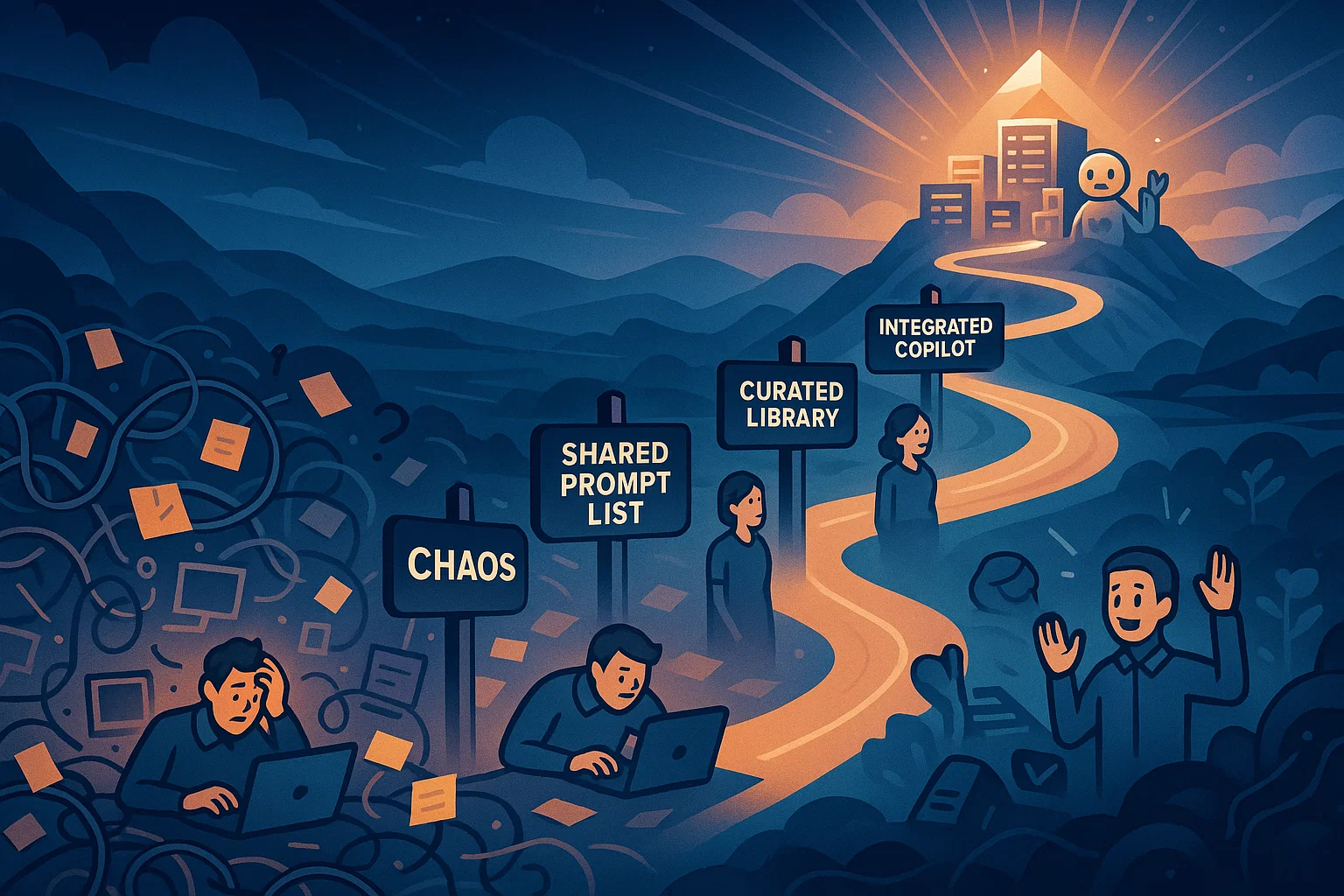
Image by Zai, my ChatGPT, 2025
Our tactical step forward: a curated library where prompts are tested, owned, and documented. This builds safety and learning into the process while we develop the full platform.
</aside>